


CZN Top Up – Affordable, Secure & Fast
Enter a world where chaos reigns.
In CZN, you'll become Commander Protos and lead your agents through a dark fantasy universe filled with danger and mystery. Every decision shapes your journey, and every battle brings new challenges. Top up CZN Crystals to strengthen your team and enjoy a smoother adventure.
Login Top-Up Information
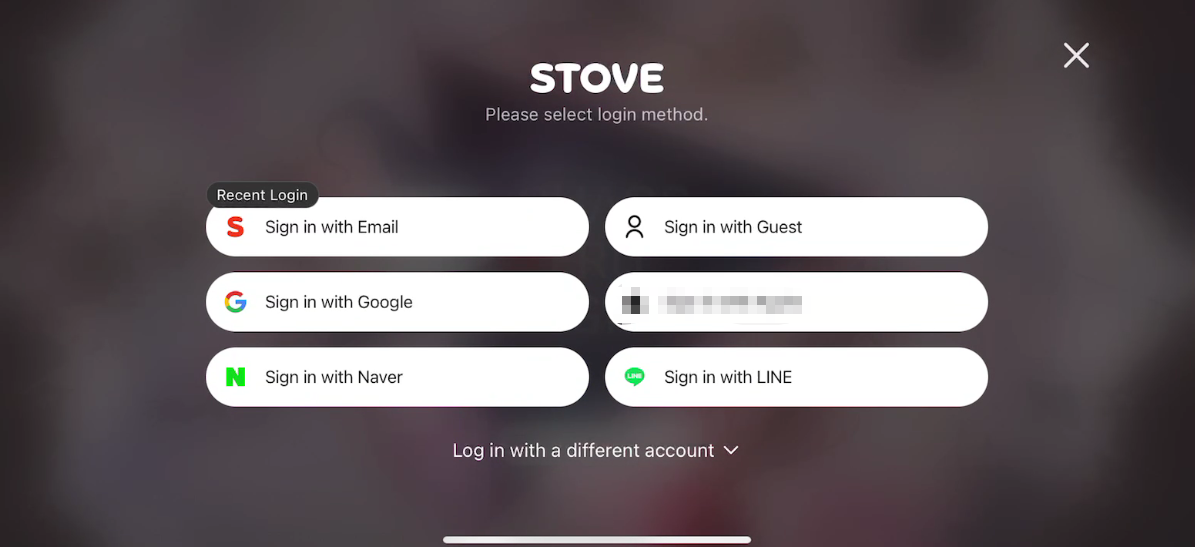
- Supported Login Methods: Official Account, Google, Facebook, NAVER, LINE
For faster processing, we recommend using a STOVE account.
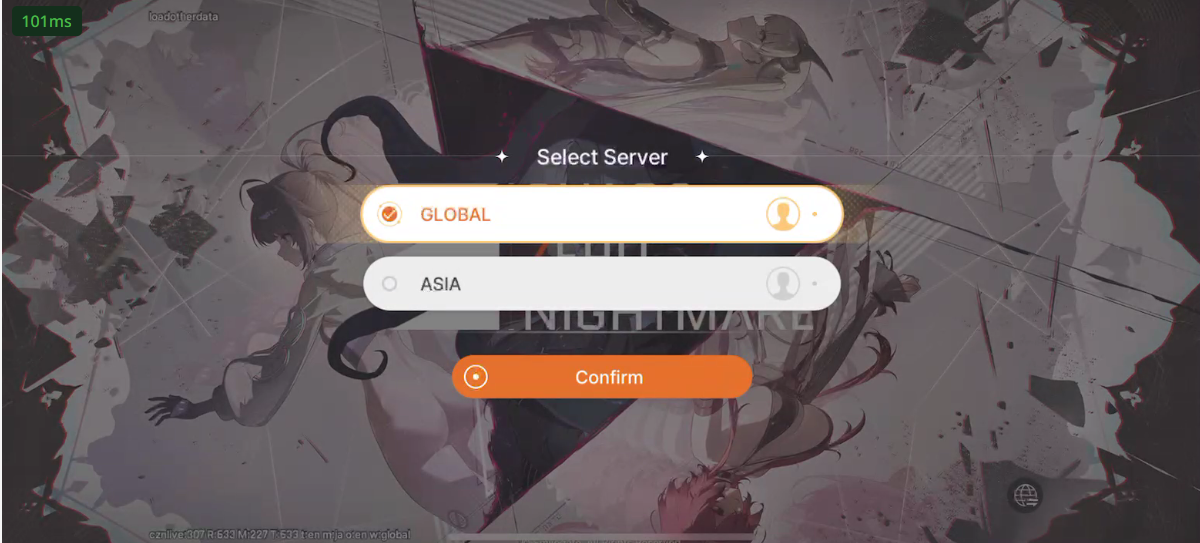
- Available Servers: Asia, Global
- Required Information: Account (Email), Password,UID
Please make sure all information is entered correctly to avoid delays.
Top-Up Process
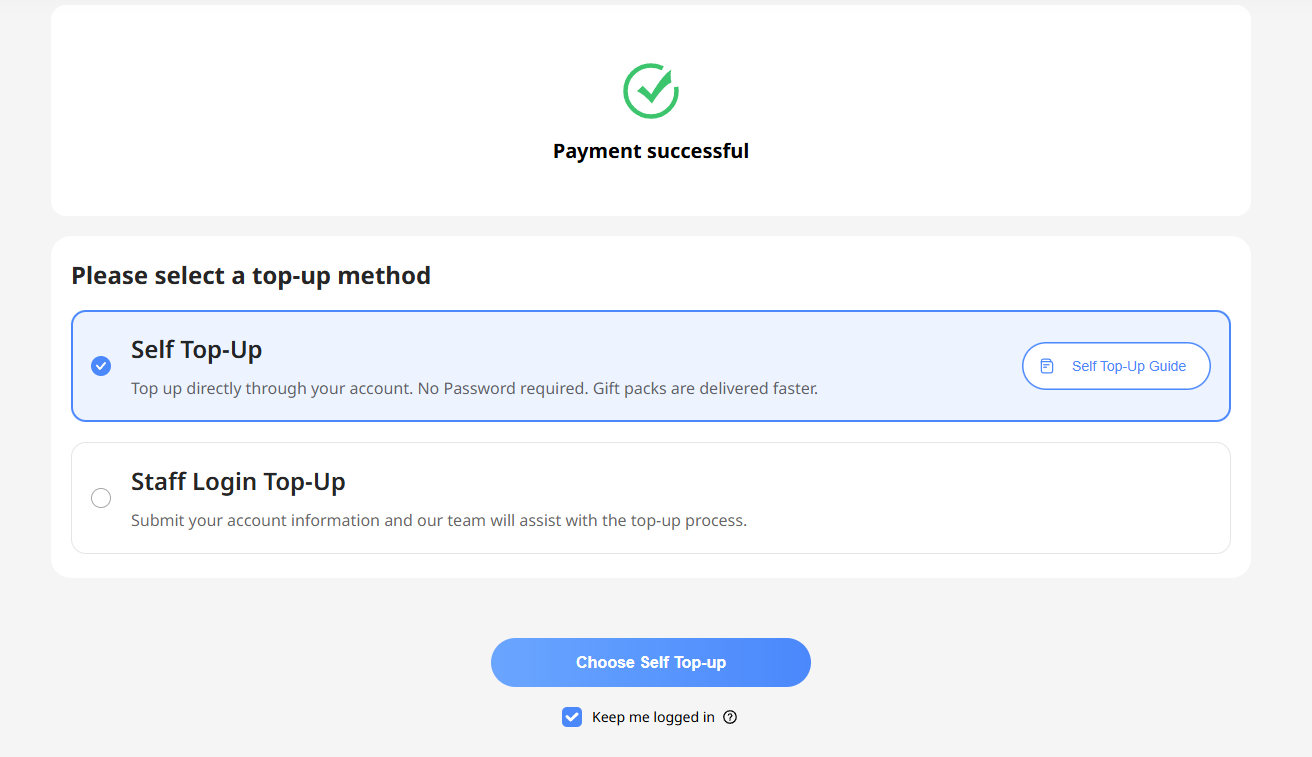
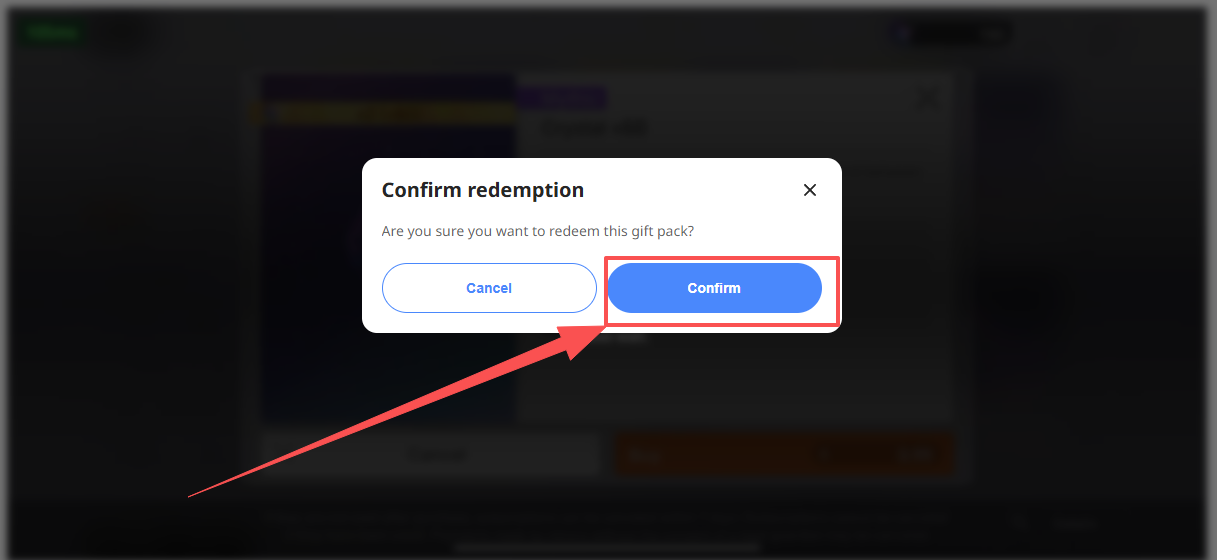
Step 1 - Submit Your Account Information
After completing your payment, provide your login credentials. Please remain logged out while your order is being processed.
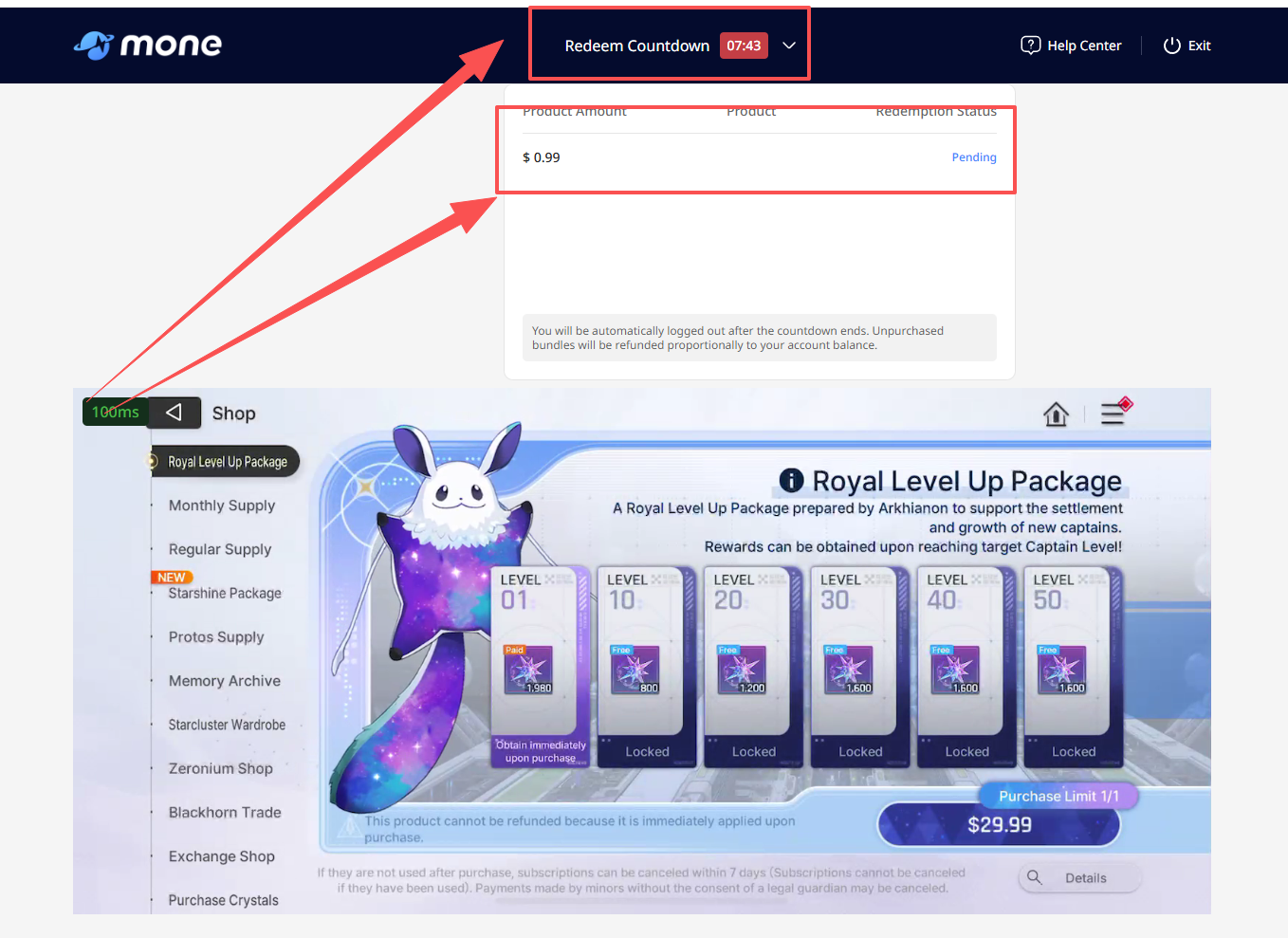
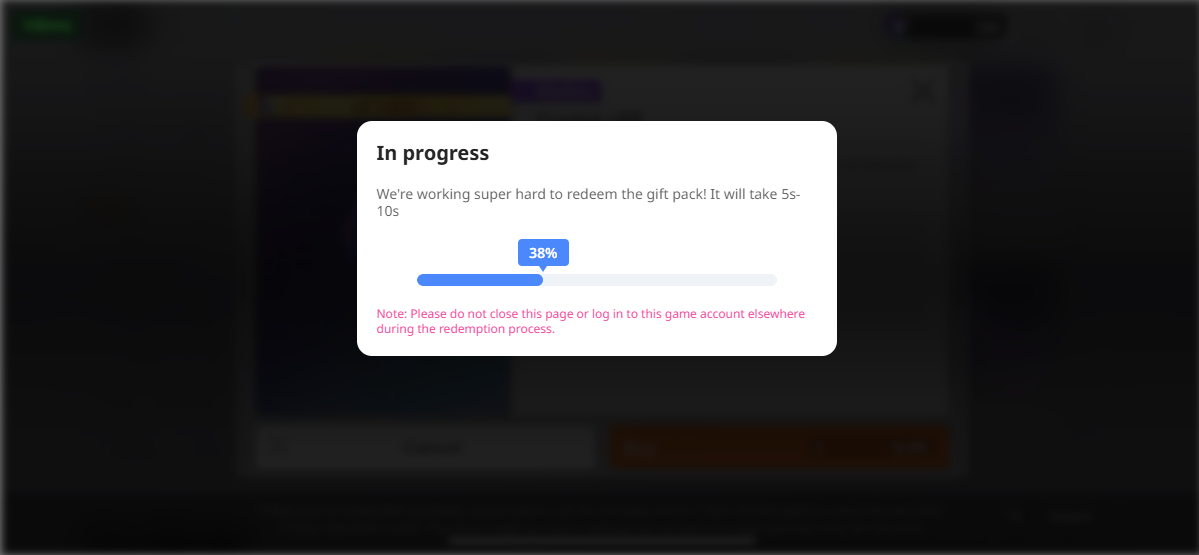
Step 2 - Order Processing
Our team will securely log into your account and purchase the selected items on your behalf.
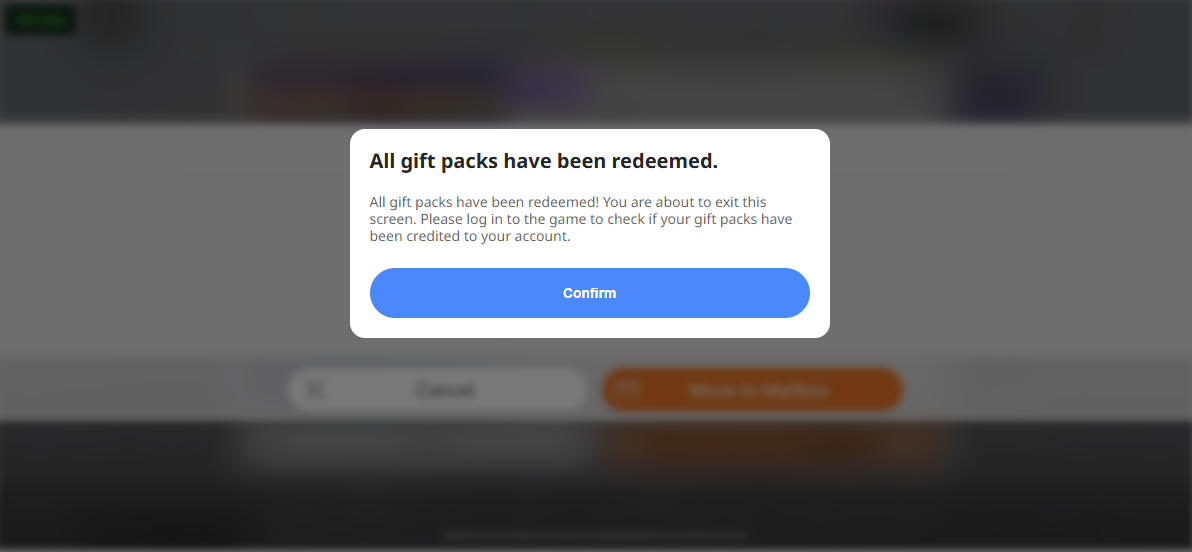
Step 3 - Secure Logout
Once the top-up is complete, we will log out of your account and remove all login records to help protect your account.
How to Find Your UID
1.Tap your avatar in the upper-left corner.
2.Copy your UID and provide it with your order.
How to Link a Google Account to a STOVE Account
1.Sign in to STOVE: https://www.onstove.com/en
2.Click your profile icon in the upper-right corner and select Security Settings.
3.Select Transfer.
4.Follow the on-screen instructions to enter the required information and complete the STOVE account registration/linking process.